Build your first app
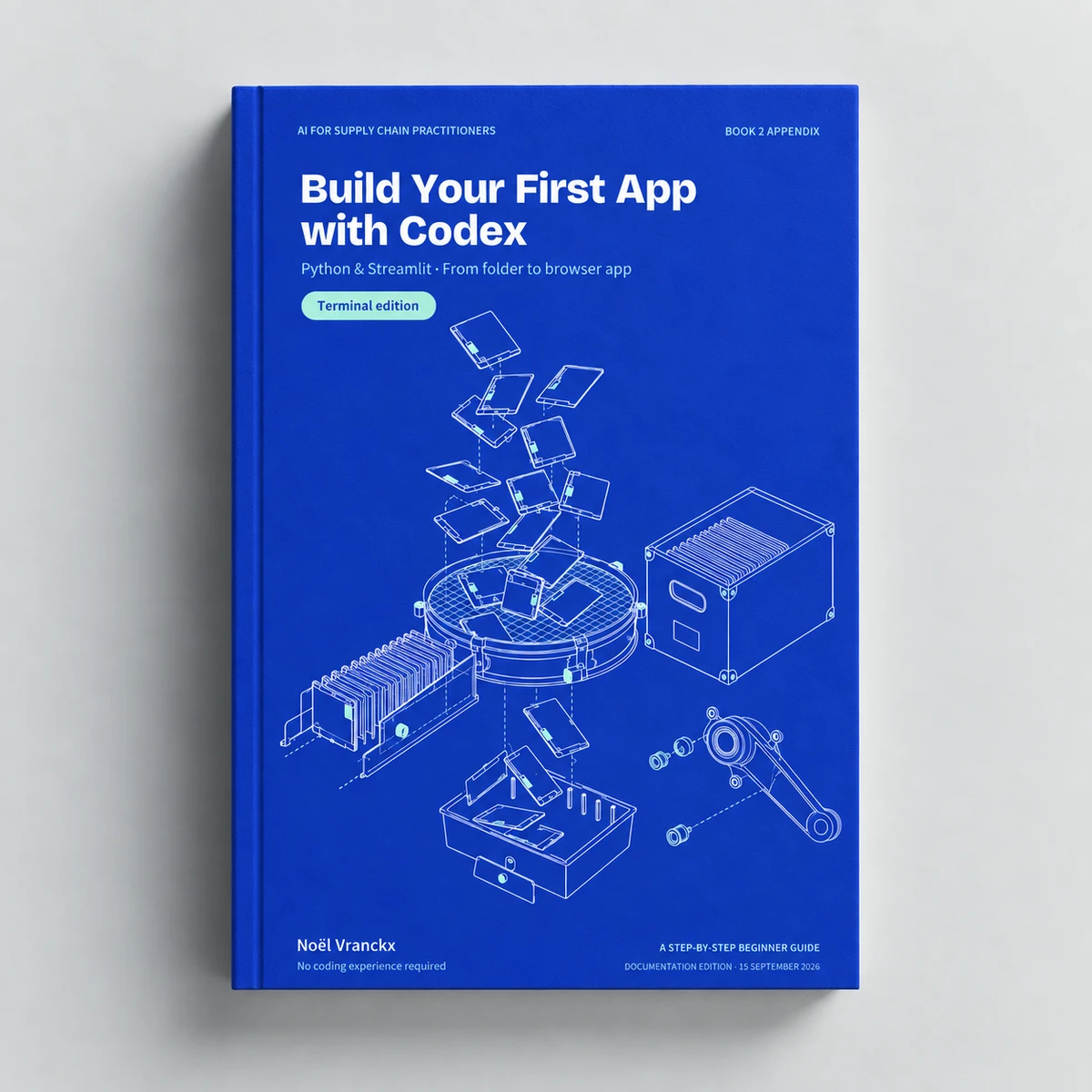
Build Your First App with Codex
Python & Streamlit
Use Codex to build a small stock calculator in Python. Set up your project, write the requirements, and test your app in the browser.
This book will be released soon. Leave your email and we’ll let you know the day it’s out.
Purchasing opens soon. The price is €9.99.
 Available soon
The idea behind the book
What you’ll learn.
Use Codex to build a small stock calculator in Python. Set up your project, write the requirements, and test your app in the browser.
No coding experience is required. Work through a complete project in small, explained steps: set up your tools, describe what the app should do, build it with an AI coding assistant, and check the result yourself. The guide includes terminal instructions, visual walkthroughs, a desktop alternative, and troubleshooting references.
Inside the book
Table of contents.
- 01
Understand what you are building
p. 4 - 02
Open and understand the terminal
p. 5 - 03
Learn the folder commands
p. 6 - 04
Install Python and check it
p. 7 - 05
Create a project and its environment
p. 9 - 06
Install Codex and sign in
p. 11 - 07
Get oriented in the coding tool
p. 12 - 08
Create the PRD
p. 13 - 09
Read and approve the requirements
p. 14 - 10
Understand the project structure
p. 15 - 11
Ask for a plan
p. 16 - 12
Implement the approved PRD
p. 17 - 13
Know what package commands do
p. 18 - 14
Run the app in your browser
p. 19 - 15
Check the result yourself
p. 21 - 16
Fix a problem with evidence
p. 23 - 17
Make one small improvement
p. 24 - 18
Save a recoverable checkpoint
p. 25 - 19
Stop and reopen the project
p. 26 - 20
Use the desktop interface if you prefer
p. 27 - 21
Troubleshoot setup problems
p. 28 - 22
Troubleshoot the app
p. 29 - 23
Your command reference
p. 30 - 24
Terms and your next Book 2 project
p. 31
Included with the book
Hands-on exercises.
Every book comes with exercises you do yourself. Read a chapter, then practise its method on realistic files until you can use it on your own work.
Practice files
Work on data made for the exercise.
Each exercise comes with files from Upshift, the fictional bicycle company in the books: agreements, orders, emails and spreadsheets, ready to give your AI.
A guide for every step
Know what to do next.
A walkthrough tells you what to give the AI, what to ask it, and how to check its answer against the sources.
A reference to check against
See how your result compares.
Compare your answer with a worked reference, mark the exercise done, and follow your progress through the book in your workbench.